Subsequent Login
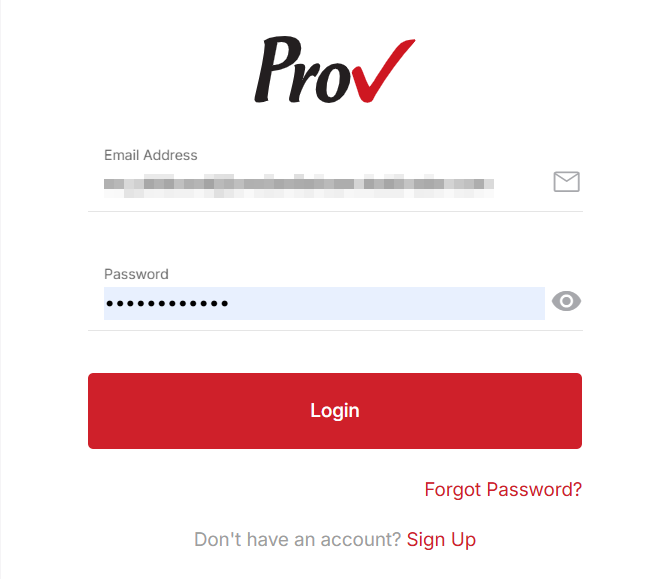
To log in to the RB console, go to the RB login page and use your registered login credentials.
Follow the steps to log in to the RB platform:
- Go to the RB platform welcome page: https://provexam.examroom.ai/
- Enter your registered email address in the Email field.
- Enter your password in the Password field.
- Click the Login button to log in to your account.