Registry
The RB Registry section is designed to manage and maintain a comprehensive record of all Regulatory Body (RB) Candidates. This section allows users to access, update, and track information related to candidate registrations, program codes, approvals, and application statuses.
To view the registry list, follow these steps:
- Navigate to the left-side navigation menu and select Registry from the list.
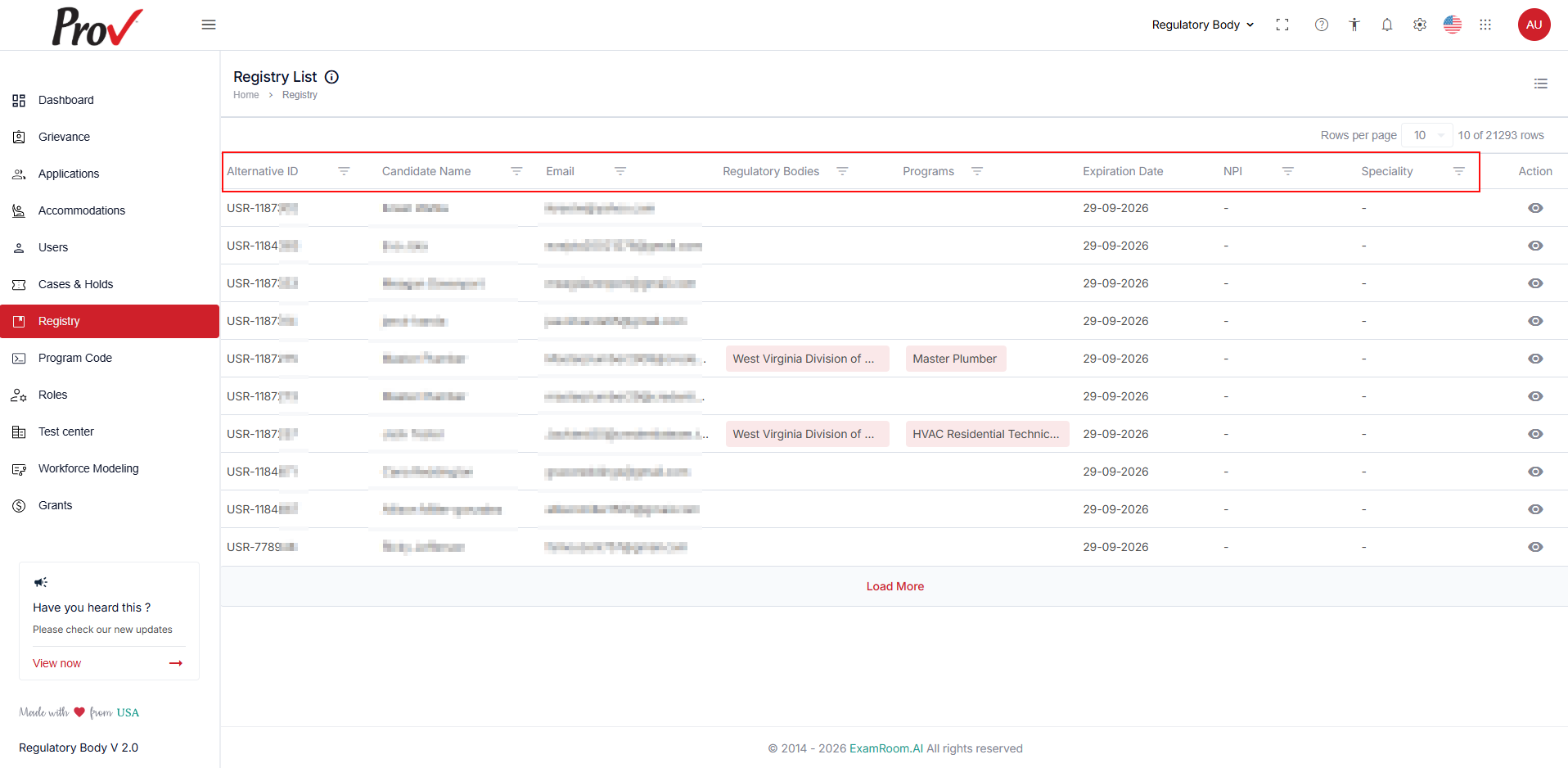
- The Registry List is displayed as shown below.
- The Registry List is displayed in a tabular format and contains the following details:
- Alternative ID: Displays the unique ID generated.
- Candidate Name: Displays the name of the candidate who applied.
- Email: Displays the contact email of the candidate.
- RBs: Displays the registered RB details of the candidate.
- Programs: Displays of the linked or associated program.
- Expiration Date: Displays the application's latest modified or used date.
- Action: Allows you to proceed with the application further.
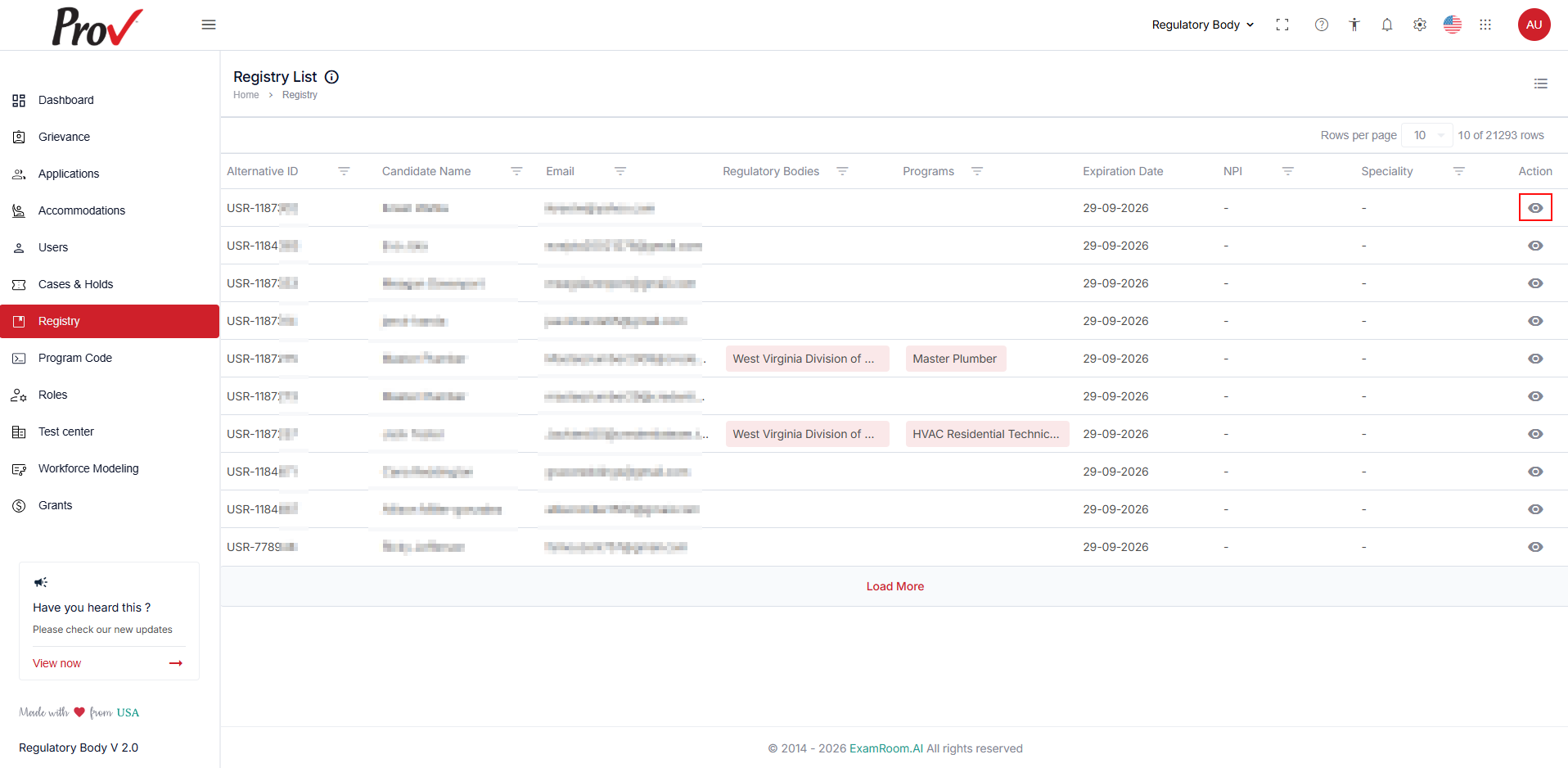
- Click the View icon in the Action column to access the application details and take necessary actions.
Filter and Search Options
To find a candidate registry from the list, you can use the filter options. Follow the steps below to filter search results:
- Search for the specific registry using the Filter options based on Alternative ID, Candidate Name, Email, Regulatory Bodies, Program, NPI, and Specialty.
- To view all the registry details in the list, you need to remove the added filters.
- You can search based on any of the categories to find the candidate registry.