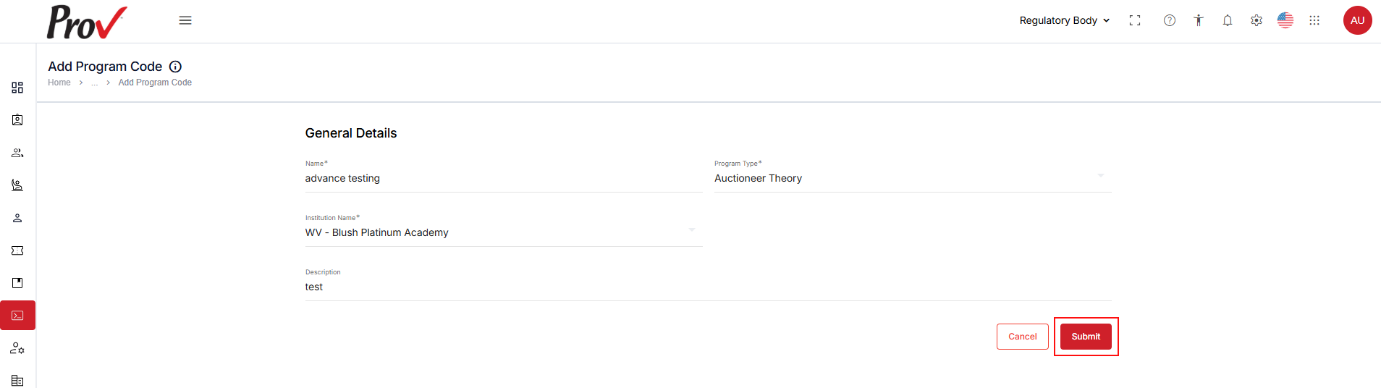
Add Program Code
To add a new program code, follow these steps:
- On the Program Code page, click the +Request Program Code button to initiate the process of adding a new program.
- In the General Details section, enter all required information, including:
- Name
- Program Type
- Institution Name
- Description
- Once all required details are entered, click Submit to save and request the program code. or click Cancel to exit the window without saving.